TAGMED Clinic Montreal / Mount Royal
Sciatica and working from home: setting up a workstation that encourages movement
Workstation setup, varied positions, functional capacity and a gradual return to work.
At home, people sometimes work for long periods on a laptop, at a table that is too high or in a chair with limited adjustability. The problem often stems from accumulated demands and a lack of variation rather than a single detail of the furniture.
- Page in this guide series Work and ergonomics with sciatica.
- Linked to the main guide Sciatica treatment in Montreal.
- Sciatica treatment in Terrebonne.
- The goal is not to find a perfect posture, but to reduce poorly tolerated exposures and preserve function.

Practical ergonomics
Adapt the work to the worker rather than look for a single rule
A better-positioned screen, an external keyboard if needed, a sufficiently stable seat and breaks built into the schedule can make work more tolerable.
Variation
Alternating positions and tasks limits prolonged exposure to a single demand.
Settings
Workstation adjustments should make the task easier rather than impose a rigid posture.
Capacity
The plan considers what the person can currently do and what they need to regain.
Functional considerations
Look at the entire day rather than a single posture
The setup should remain realistic: a few targeted changes that actually make the day easier are preferable to a costly search for ergonomic perfection.
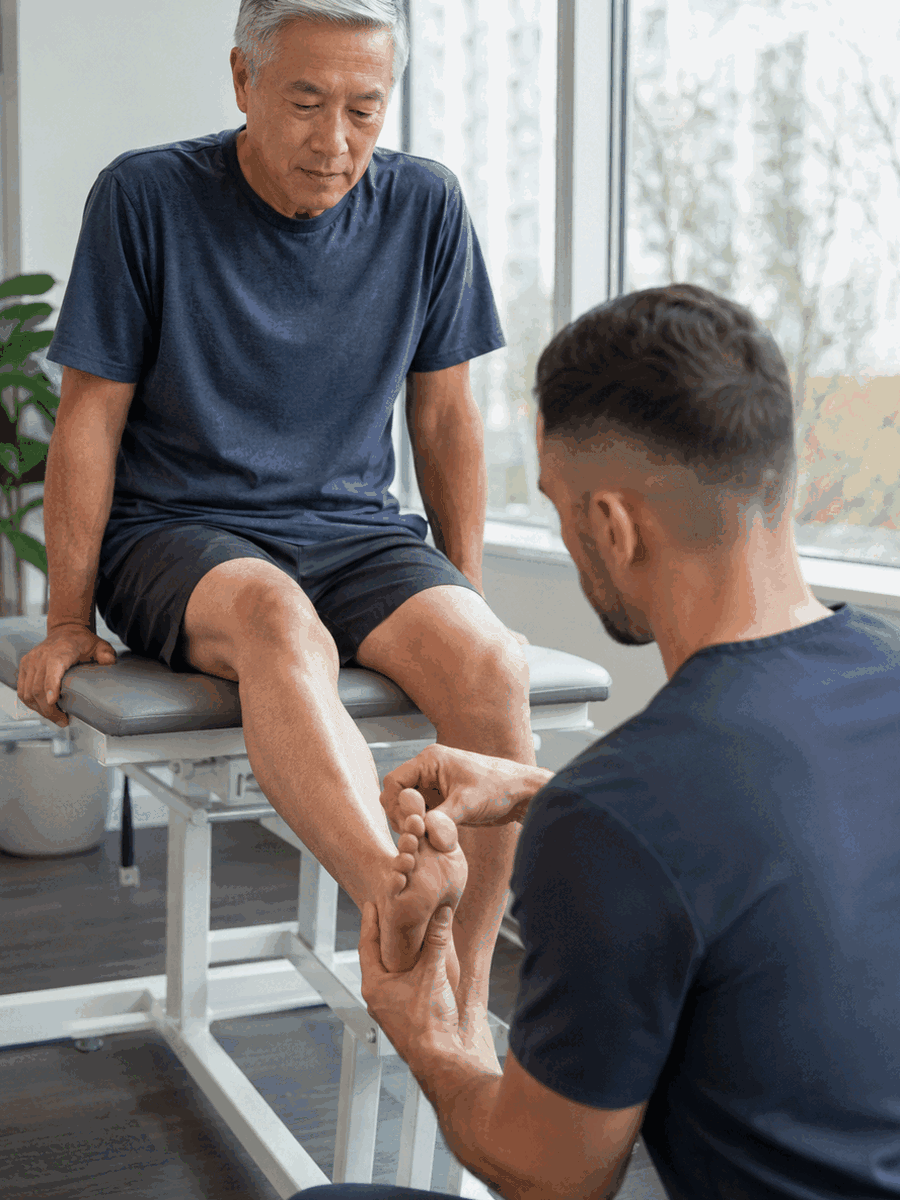
An important point
NICE recommends promoting and facilitating a return to work or normal activities. CCOHS also emphasizes the value of varying positions rather than remaining continuously seated or standing.
Assessment
Break down the demands of the job
A useful analysis describes time spent sitting or standing, driving, manual handling, available breaks, repetitive movements and tasks that increase symptoms.
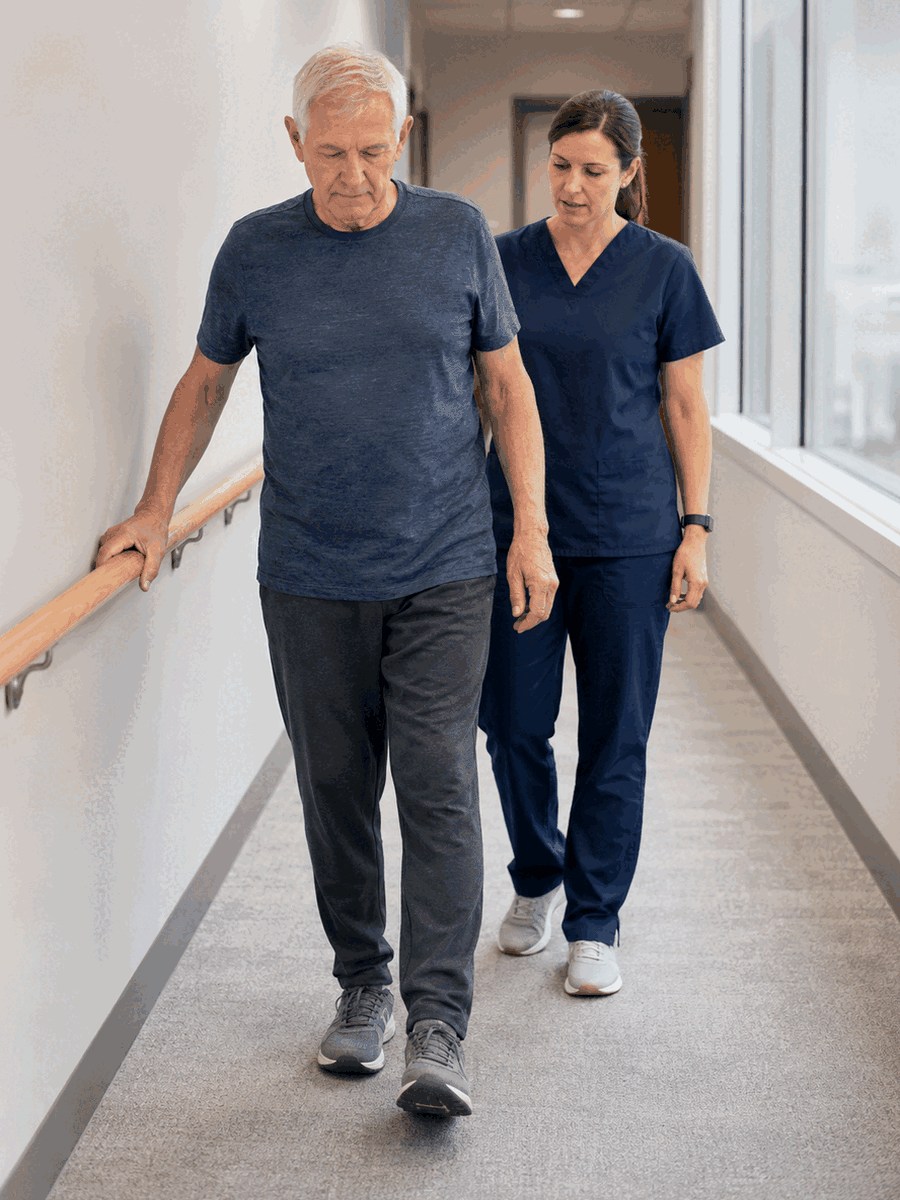
Identify
Identify tasks or durations that exceed current tolerance.
Adjust
Adjust position, duration, load, frequency or the order of tasks.
Test
Observe the response during the day and recovery afterwards.
Progress
Gradually reintroduce demands as capacity improves.
Strategies
Combine ergonomics, breaks and progressive capacity building
Changing a chair or desk may assist, but ergonomics alone does not replace activity, rehabilitation and progression towards the actual tasks of the job.
Workstation
Ensure adjustments and tools suit the task and the person's body dimensions.
Organisation
Vary positions, distribute tasks and incorporate realistic breaks.
Progression
Gradually rebuild capacity for working hours, loads and repetitions.
When is ergonomics not enough?
- New or rapidly progressive weakness.
- Foot drop or a leg that increasingly gives way.
- Loss of the control needed to drive or operate machinery safely.
- New bladder or bowel problems.
- Numbness in the saddle area or perineum.
These signs require clinical or medical reassessment rather than a simple workstation adjustment.
Follow-up
Measure the return to actual tasks
Follow-up can document hours worked, tolerated sitting or standing time, loads handled, required breaks and recovery after a full day.
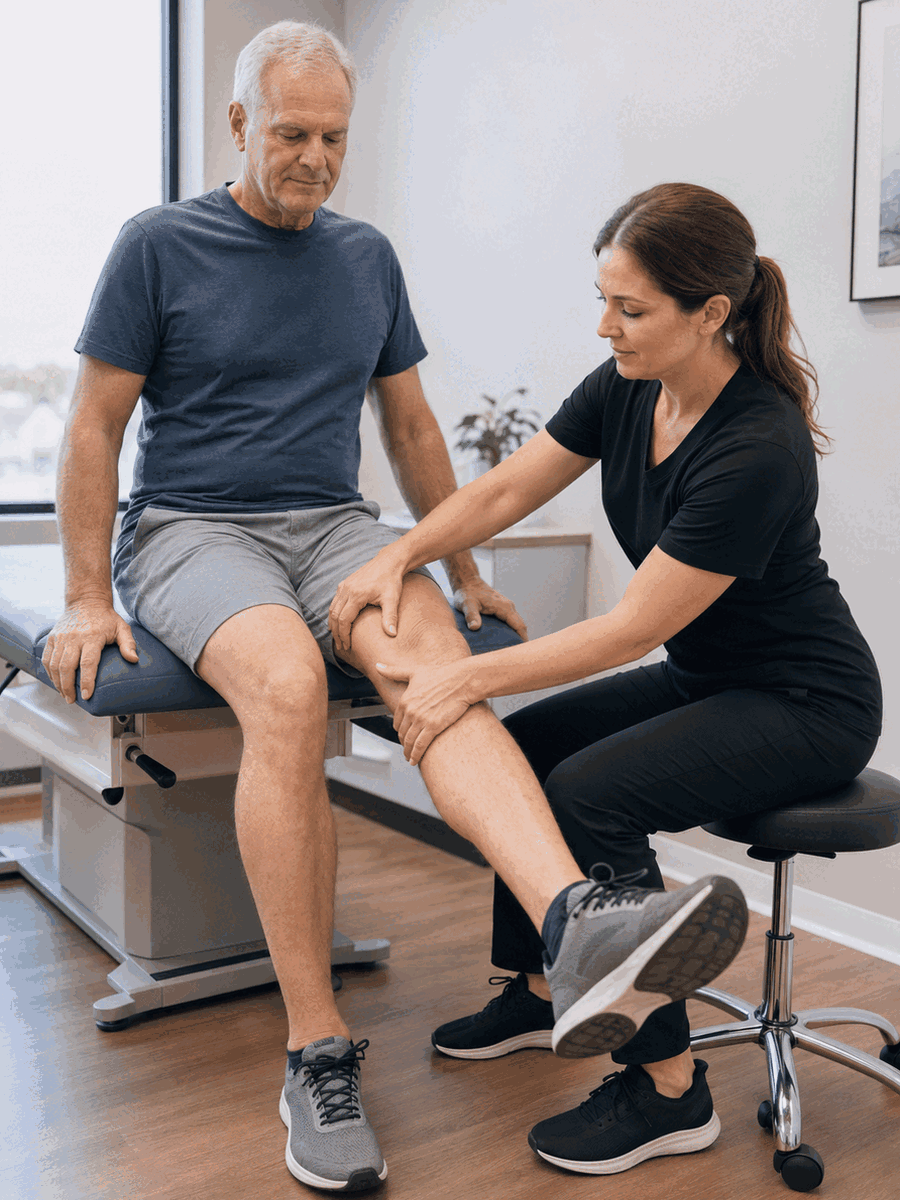
Hours
Compare tolerated working time with the starting level.
Tasks
Gradually reintroduce the essential activities of the job.
Main topic guide
Is sciatica limiting your ability to work normally?
An assessment can clarify the most problematic tasks, possible temporary adjustments and criteria for a gradual return.
Frequently Asked Questions
FAQ — Sciatica and working from home: setting up a workspace that encourages movement
Is a laptop bad for sciatica?
Not in itself, but prolonged use can limit adjustment options.
Do you need to buy a sit-stand desk?
Not necessarily. There are different ways to make it possible to vary your position.
Do breaks need to be long?
Not necessarily. Brief, regular breaks can already provide variation.
Can I work on the sofa?
Short periods may be tolerated, but this position often offers few adjustment options.
Does screen height affect sciatica?
It mainly affects overall posture and should be considered as part of the entire workstation.
When should accommodations be requested?
When symptoms prevent you from maintaining tasks despite simple adjustments.
Which signs require a prompt assessment?
Progressive weakness, foot drop, bladder or bowel dysfunction or saddle anaesthesia.
References
Guidelines and ergonomic resources
These references provide a framework for maintaining activities, returning to work and certain general ergonomic principles. They do not replace an individualized workstation assessment.
- NICE NG59 — Low back pain and sciatica: assessment and management
- CCOHS — Office ergonomics: sit-stand workstations
- CCOHS — Manual materials handling: general principles
Important information
This page provides general information and does not constitute a diagnosis, a complete workplace ergonomic assessment or a legally binding recommendation for accommodation.
Sylvain Desforges, docteur en ostéopathie
TAGMED Clinic — Spinal decompression, specific osteopathy and assessment of low back, disc-related and sciatic pain.
Professional profile · Contact · Main guide to sciatica in Montreal
In the same guide series
Related guides to sciatica
Continue with guides that explore the same symptom, its possible cause, assessment or options for care.
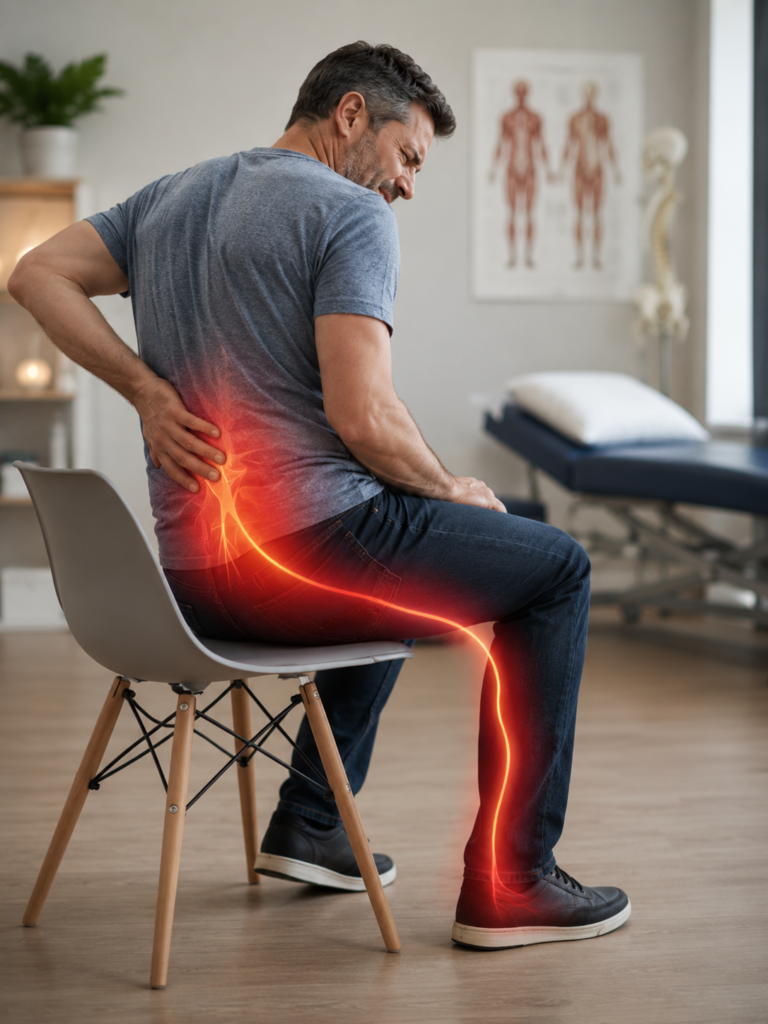
Sciatica treatment in Montreal
Clinique TAGMED Montréal / Mont-Royal Traitement de la sciatique à Montréal Examen gratuit — valeur de 85 $ CADemander mon examen gratuitVoir les disponibilitésDemandez…
Sciatica and seated work: adjusting ergonomics without seeking a perfect posture
TAGMED Clinic Montreal / Mount Royal — Sciatica and seated work: adjusting ergonomics without seeking a perfect posture. Workstation organization, varying positions,…

Sciatica and standing work: organizing work without remaining still for too long
TAGMED Clinic Montreal / Mount Royal — Sciatica and standing work: organizing work without remaining still for too long. Workstation organization, varying positions,…

Sciatica: rest or movement? Finding the right balance during a flare-up
TAGMED Clinic Montreal / Mount Royal — Sciatica: rest or movement? Finding the right balance during a flare-up. Clinical pointers, differential diagnosis and next steps…
Sciatica after an awkward movement: what may have happened?
TAGMED Clinic Montreal / Mount Royal — Sciatica after an awkward movement: what may have happened? Clinical pointers, signs to monitor and next steps in…
Sciatica at work: office work, standing, lifting and returning to tasks
TAGMED Clinic Montreal / Mount Royal · Topic overview — Work and ergonomics. Sciatica at work: office work, standing, lifting and returning to tasks…